☰
Build a strong computer foundation through practical learning. This course is specially designed for beginners, students, freshers and office professionals.
Learn computers from the beginning through practical sessions. Students work with Microsoft Office, Internet applications, Email communication, Google Workspace, document preparation, presentations, basic Excel reporting, online services, printing, PDF management and office productivity tools. After completing the course, students will confidently perform daily office work using computers.
This course is designed for anyone who wants to become confident in using computers for studies, office work and daily life.
Build a strong computer foundation for higher education.
Develop practical computer skills before starting your career.
Learn essential office computer skills required by employers.
Improve productivity using Microsoft Office applications.
Manage personal documents, emails and online services confidently.
No previous computer knowledge is required.
Hands-on training with practical office activities and real-world computer usage.
Learn to operate Windows confidently including settings, folders and file management.
Create professional letters, resumes, reports and office documents.
Work with spreadsheets, formulas, tables and charts.
Design professional presentations with animations and templates.
Browse safely, search efficiently and use online government services.
Create professional emails with attachments and signatures.
Every student completes practical projects used in offices and businesses.
Create an ATS-friendly resume using Microsoft Word.
Prepare employee attendance and salary sheets in Excel.
Generate monthly sales reports with charts and summaries.
Build professional PowerPoint presentations.
Compose professional emails with attachments and formatting.
Use Google Drive to organize, store and share files securely.
Master the most widely used office applications with practical business exercises.
Create letters, resumes, invoices, reports, tables and professional documents.
Learn formulas, charts, tables, sorting, filtering and office reports.
Create attractive business presentations with animations and transitions.
Professional email communication, attachments and calendar basics.
Printing, scanning, PDF conversion and document sharing.
Increase productivity using professional shortcut keys.
Learn safe and professional internet usage for work and personal productivity.
Search information efficiently using Google.
Create and manage professional email accounts.
Store, organize and share files online.
Attend online meetings professionally.
Fill online forms and government applications.
Protect your computer, passwords and personal information.
Basic computer skills open doors to administrative, office and customer support careers.
Daily office documentation and computer operations.
Manage digital records and reports.
Operate office systems efficiently.
Reception, customer interaction and administration.
Office administration using Microsoft Office.
Support customers using email and office software.
Computer literacy increases employability across every industry.
Entry-level opportunities for beginners.
Better salary with Microsoft Office proficiency.
Advance into administrative and office management roles.
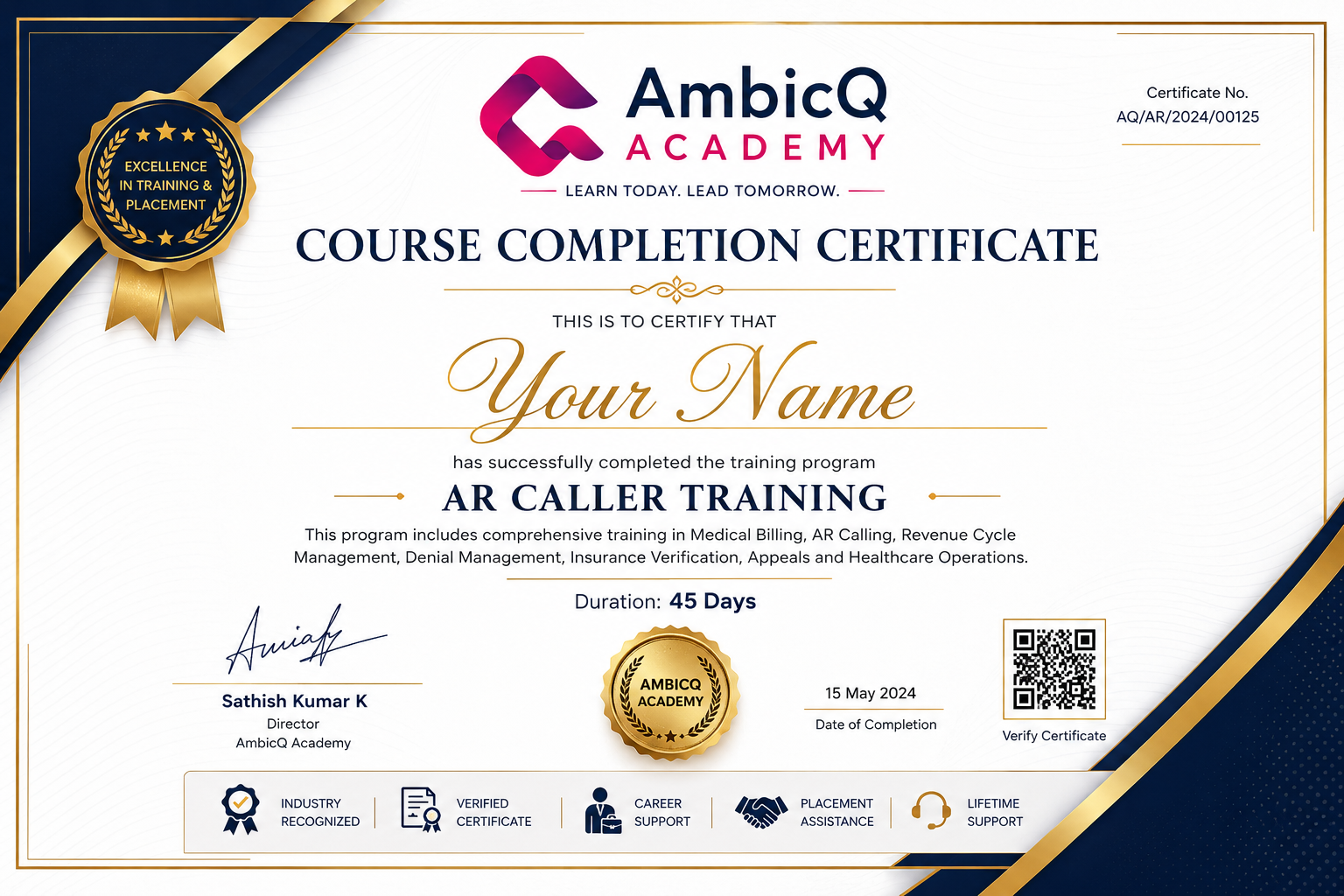
After successfully completing the Basic Computer Training Program, students receive an AmbicQ Academy Course Completion Certificate. This certificate validates your practical knowledge in Microsoft Office, Internet, Digital Productivity and Office Computer Applications required for today's workplace.
A structured learning plan that takes you from beginner to office-ready professional.
Computer Basics, Windows, Keyboard, Mouse, File Management.
Microsoft Word, Excel, PowerPoint and Office Productivity.
Internet, Gmail, Google Drive, PDF Tools and Online Services.
Office Projects, Resume Preparation, Interview Skills and Final Assessment.
Our students have successfully started careers in offices, educational institutions and corporate organizations.
Excellent training for beginners. I learned Microsoft Office and secured my first office job.
Office ExecutiveThe practical sessions were easy to follow and helped me become confident using computers.
College StudentBest basic computer course with practical projects and supportive trainers.
Administrative AssistantJoin AmbicQ Academy Basic Computer Training and master Microsoft Office, Internet, Email Communication and Office Productivity through practical, job-oriented training.